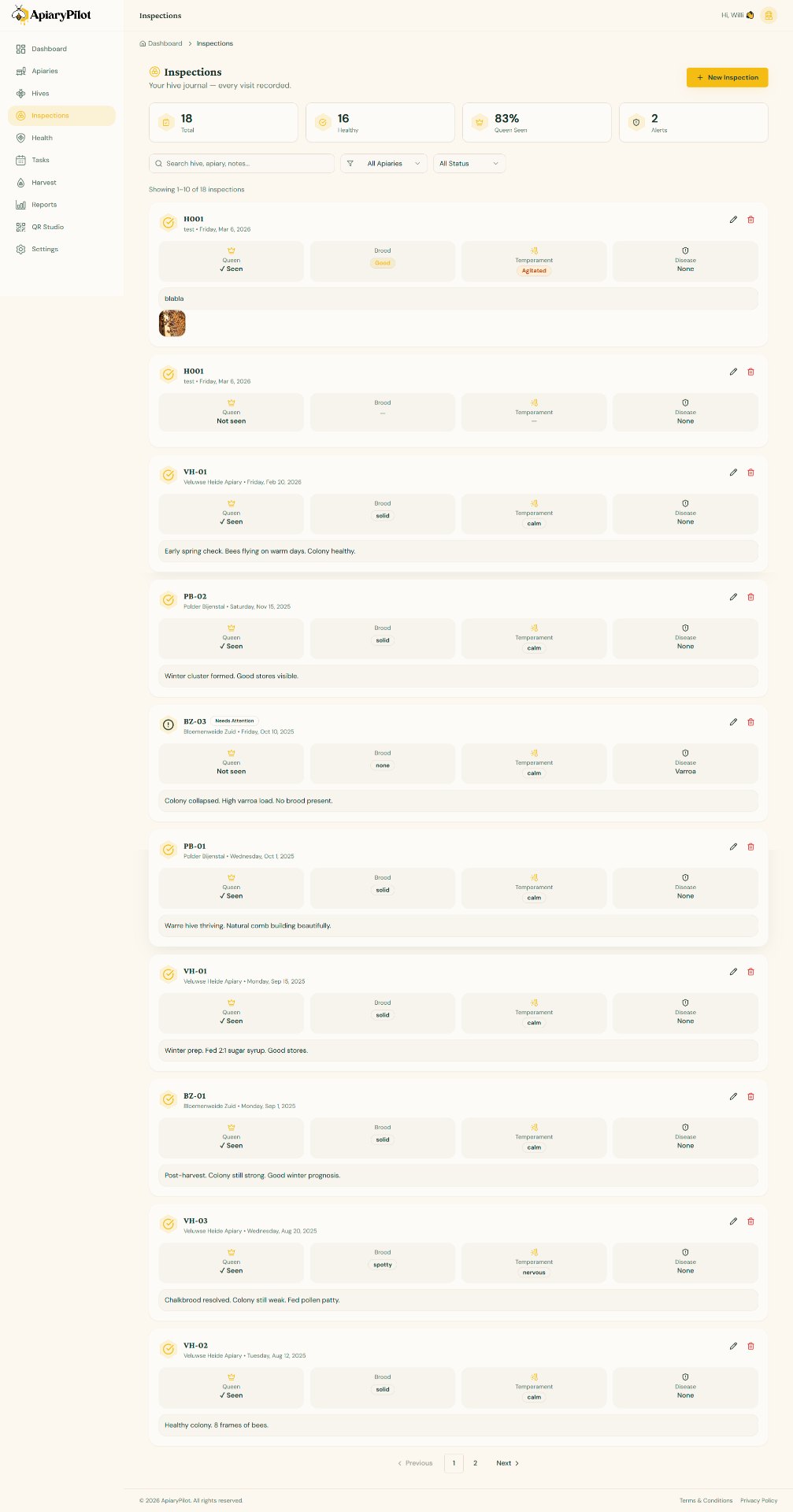
Recording an Inspection
Regular inspections are the foundation of good hive management. ApiaryPilot makes it easy to record detailed observations.
Creating an Inspection
- Navigate to Inspections from the sidebar
- Click New Inspection
- Select the hive you're inspecting
- Fill in the inspection form:
| Field | Description |
|---|---|
| Date | When the inspection took place |
| Queen Seen | Whether the queen was spotted |
| Brood Pattern | Solid, spotty, or no brood |
| Temperament | Calm, nervous, or aggressive |
| Disease Signs | Any visible signs of disease |
| Notes | Free-text observations |
Adding Photos
You can attach photos to any inspection:
- Click the Photos section
- Upload images from your device
- Add optional captions to each photo
Photos are stored securely and can be reviewed later when comparing hive conditions over time.
AI Analysis
After saving an inspection, ApiaryPilot's AI can analyze your observations and provide:
- Health risk assessments
- Recommended follow-up actions
- Comparisons with previous inspections