Managing Treatments
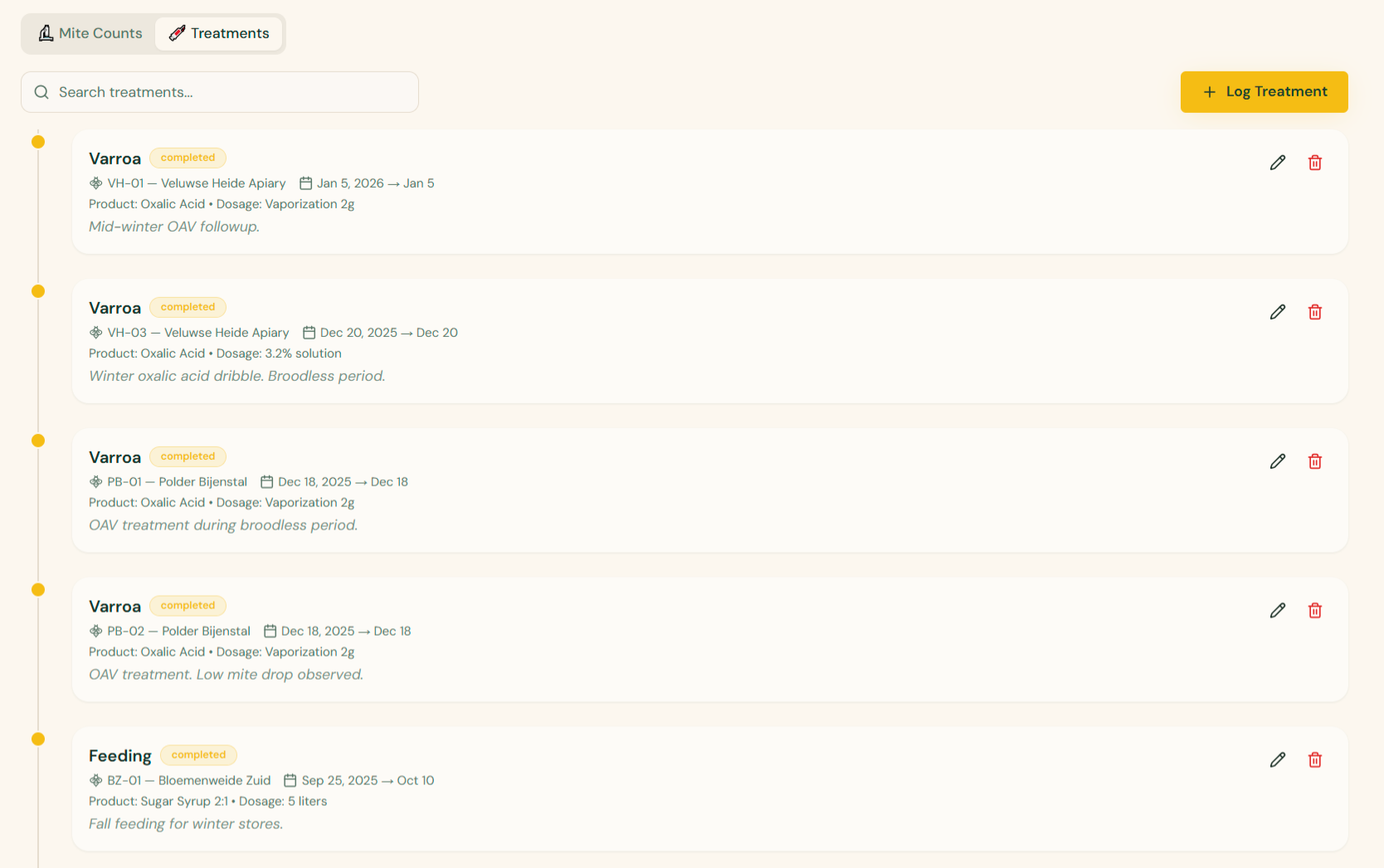
Keep detailed records of all treatments applied to your hives for effective pest management and regulatory compliance. The Treatments tab on the Health page shows a chronological timeline of every treatment, with quick search, edit, and delete actions.
Adding a Treatment
- Go to Health from the sidebar and open the Treatments tab
- Click Log Treatment in the top right
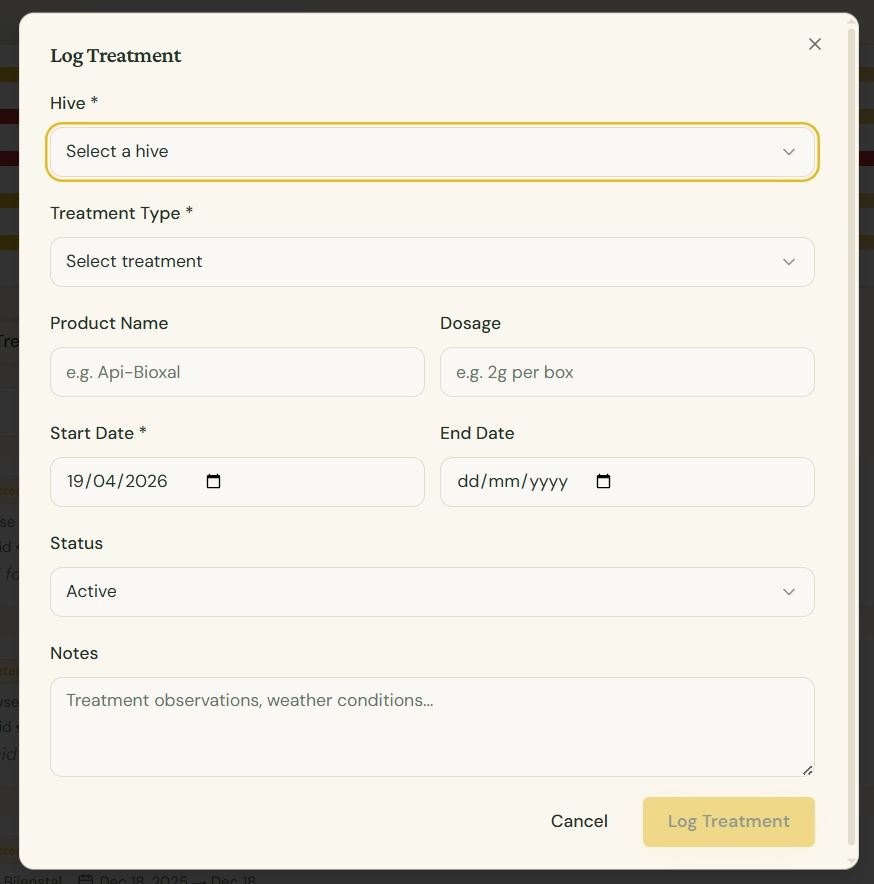
- Fill in the form:
- Hive — Select the target hive
- Treatment type — Organic acid, chemical, essential oil, feeding, etc.
- Product name — Specific product used (e.g. Api-Bioxal)
- Dosage — Amount applied (e.g. 2g per box)
- Start date — When treatment began
- End date — When treatment ends (if applicable)
- Status — Active, Completed, or Scheduled
- Notes — Observations, weather conditions, mite drop, etc.
Treatment Status
Treatments can have the following statuses:
- Active — Currently being applied
- Completed — Treatment course finished
- Scheduled — Planned for the future
AI Health Advisor
The AI Health Advisor analyzes your mite counts, treatment history, and inspection data to provide personalized recommendations:
- When to treat based on mite trends
- Which treatment methods may be most effective
- Reminders for follow-up mite counts after treatment