Adding & Managing Hives
Hives are the core unit in ApiaryPilot. Each hive belongs to an apiary and has its own inspection history, harvest records, and health data.
Creating a New Hive
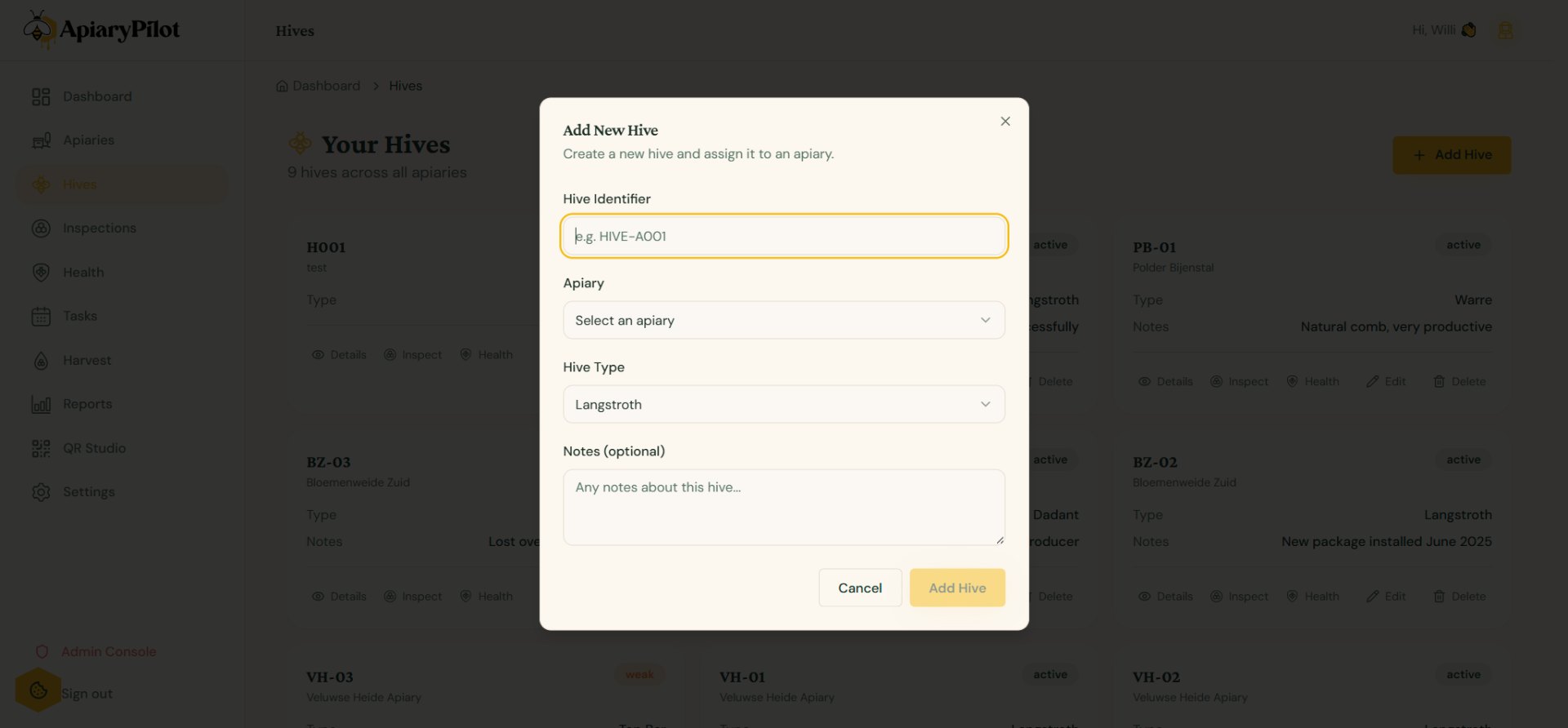
- Navigate to Hives from the sidebar
- Click Add Hive
- Fill in the details:
- Identifier — A unique name or number (e.g., "H-001")
- Apiary — Select which apiary this hive belongs to
- Hive type — Langstroth, Top Bar, Warré, or other
- Notes — Any additional information
Hive Status
Each hive has a status indicator:
- 🟢 Active — Colony is healthy and productive
- 🟡 Warning — Needs attention (e.g., high mite count)
- 🔴 Critical — Urgent action required
- ⚫ Inactive — Empty or decommissioned
Hive Detail Page
Click on any hive to view its full history:
- Inspections — All recorded inspections in chronological order
- Harvests — Honey production records
- Health — Mite counts and treatment history
- QR Code — Unique QR code for this hive