Generating Reports
ApiaryPilot can generate comprehensive reports for record-keeping, analysis, or regulatory compliance.
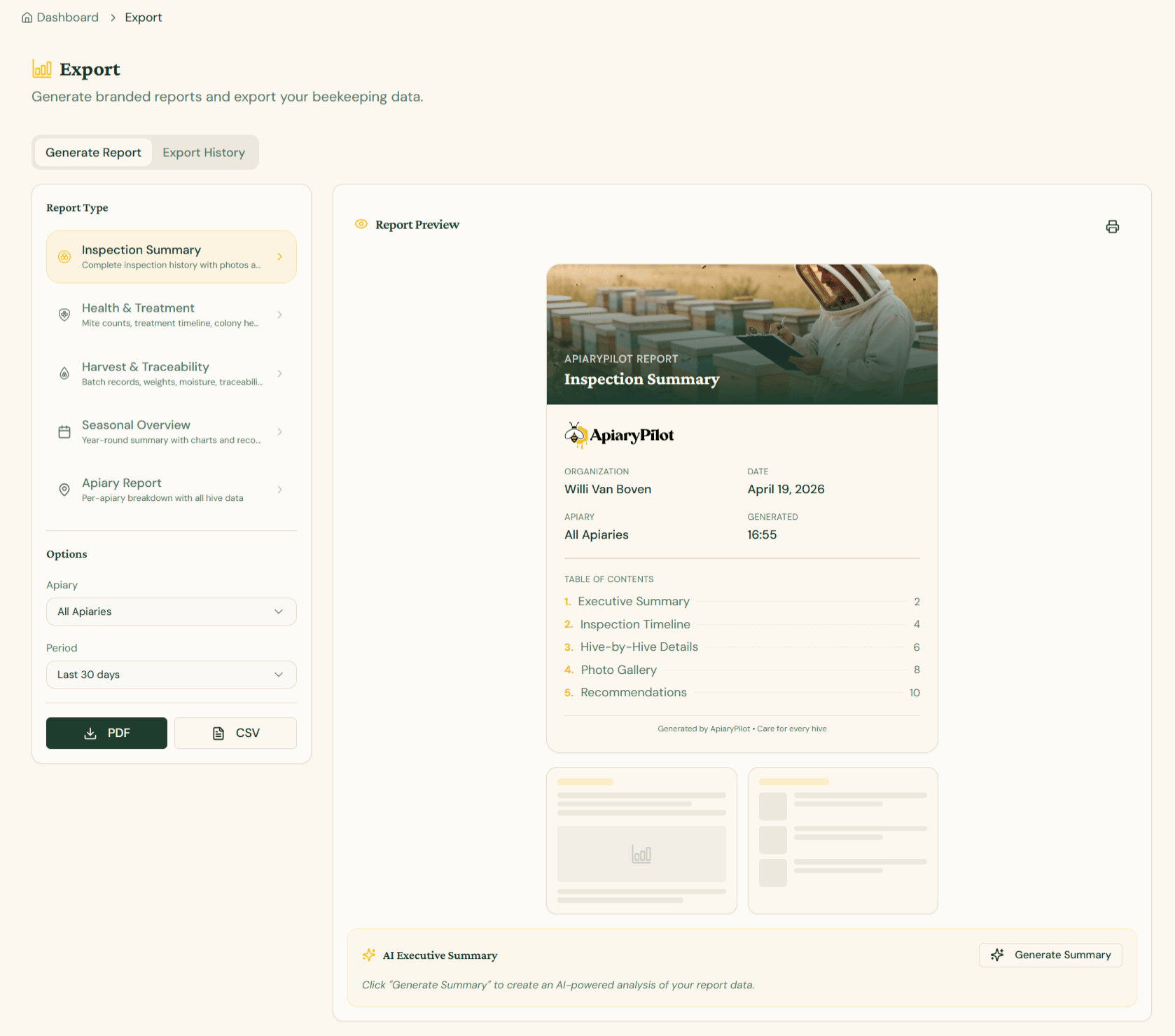
Available Report Types
| Report | Contents |
|---|---|
| Inspection Report | All inspections for a period, with photos and notes |
| Harvest Report | Production data with weights, dates, and batch numbers |
| Health Report | Mite counts, treatments, and health assessments |
| Inventory Report | Current hive inventory and status overview |
Creating a Report
- Navigate to Reports from the sidebar
- Select the report type
- Configure filters:
- Apiary — All or specific apiary
- Date range — Custom period
- Choose format: PDF or CSV
- Click Generate Report
AI Report Summary
When generating PDF reports, you can enable the AI Summary option. This adds an executive summary at the top of your report with:
- Key findings and trends
- Notable health concerns
- Production highlights
- Recommended actions
Export History
All generated reports are saved in the Export History section where you can download them again at any time.