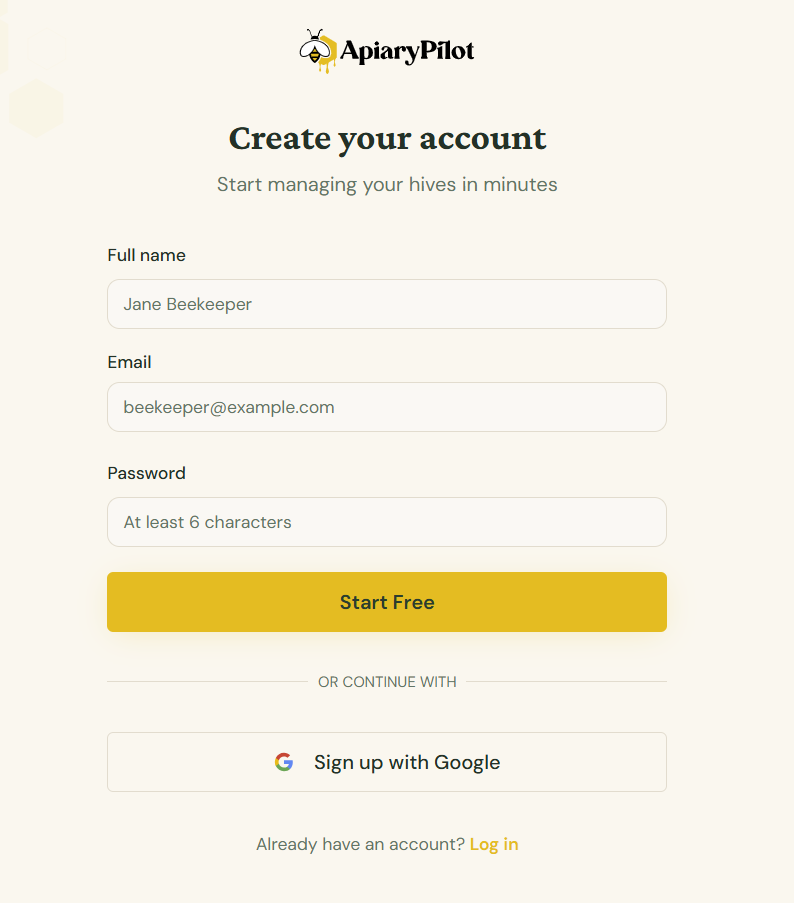
Creating Your Account
Getting started with ApiaryPilot is quick and easy. Follow these steps to create your account and start managing your apiaries.
Step 1: Sign Up
Visit the signup page and enter your email address and a strong password. You'll receive a verification email — click the link to confirm your account.
Step 2: Complete Onboarding
After verifying your email, you'll be guided through a short onboarding process:
- Organization name — Enter the name of your beekeeping operation
- First apiary — Add your first apiary with a name and optional location
- Preferences — Choose your preferred units (metric/imperial) and date format
Step 3: Explore the Dashboard
Once onboarding is complete, you'll land on your dashboard where you can see an overview of all your apiaries, hives, and recent activity.
Tip: You can always update your organization settings later from the Settings page.