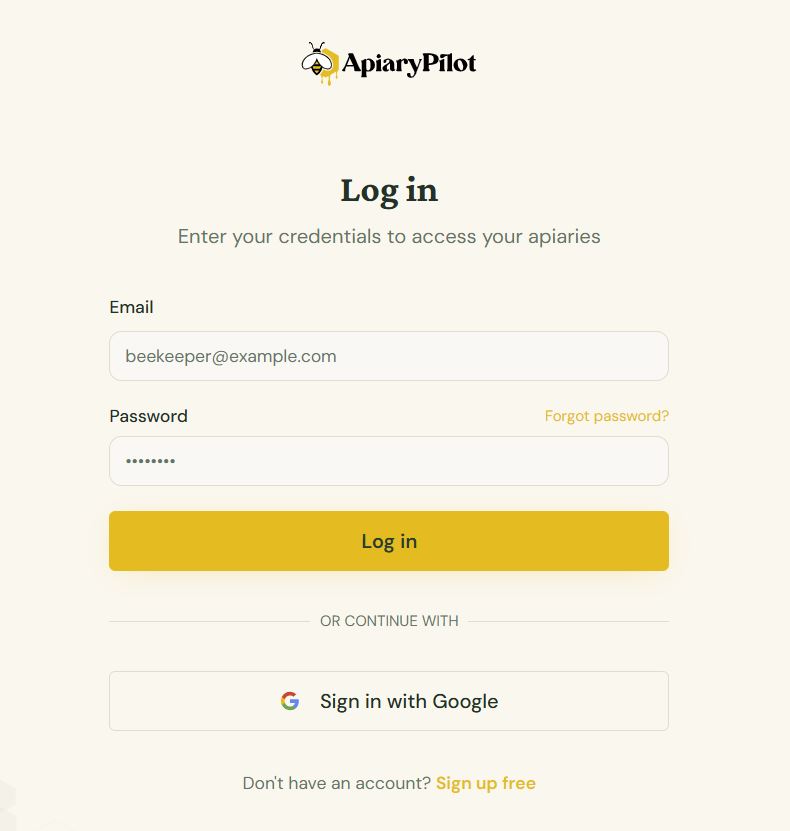
Logging In
Access your ApiaryPilot account quickly and securely.
Email & Password
- Visit the login page
- Enter the email address you used during sign-up
- Enter your password
- Click Sign In
Sign In with Google
If you registered with Google, click the Sign in with Google button on the login page. You'll be redirected to Google to authorize, then returned straight to your dashboard.
Forgot Your Password?
- Click Forgot password? on the login page
- Enter your email address
- Check your inbox for a password reset link
- Click the link and set a new password
Tip: If you don't see the reset email, check your spam or junk folder.
Staying Signed In
ApiaryPilot keeps you signed in across sessions. If you're on a shared or public device, always use the Logout option from the sidebar to end your session securely.