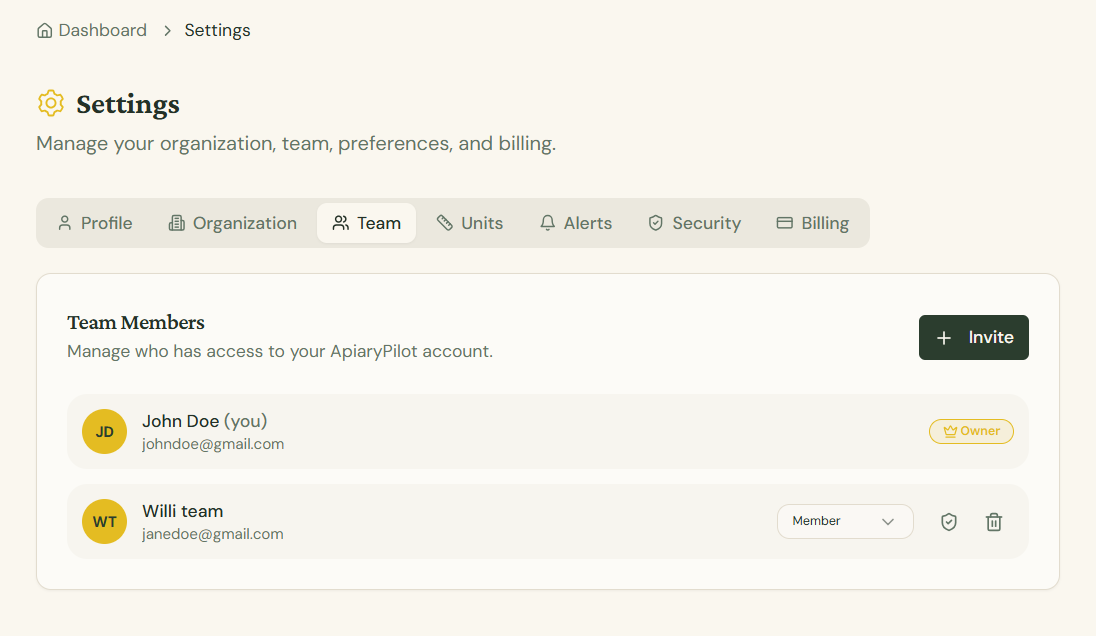
Inviting Team Members
ApiaryPilot supports team collaboration. You can invite other beekeepers to your organization so everyone can access and update hive data.
How to Invite
- Go to Settings → Team tab
- Click the Invite Member button
- Enter the email address of the person you want to invite
- Select their role: Admin or Member
- Click Send Invitation
Roles
| Role | Permissions |
|---|---|
| Admin | Full access including team management and billing |
| Member | Can view and edit apiaries, hives, and inspections |
Invitation Process
- The invited person receives an email with a link to join
- If they don't have an account, they'll be prompted to create one
- Once they accept, they appear in your team list
Note: The number of team members allowed depends on your subscription plan.