Onboarding Walkthrough
After creating your account and verifying your email, ApiaryPilot guides you through a quick onboarding flow to get everything set up.
Step 1: Welcome
You'll be greeted with a welcome screen. Click Let's get started to begin.

Step 2: Organization Setup
Enter a name for your beekeeping operation. This will be the workspace that all your apiaries, hives, and team members belong to.
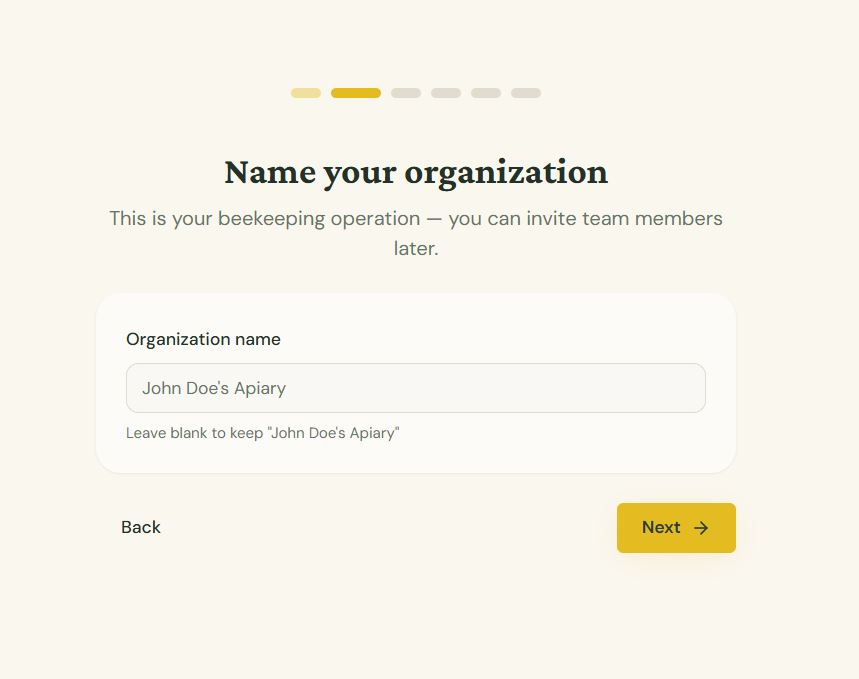
- Example names: "Smith Bee Farm", "Valley Apiaries", "Urban Honey Co."
Step 3: Add Your First Apiary
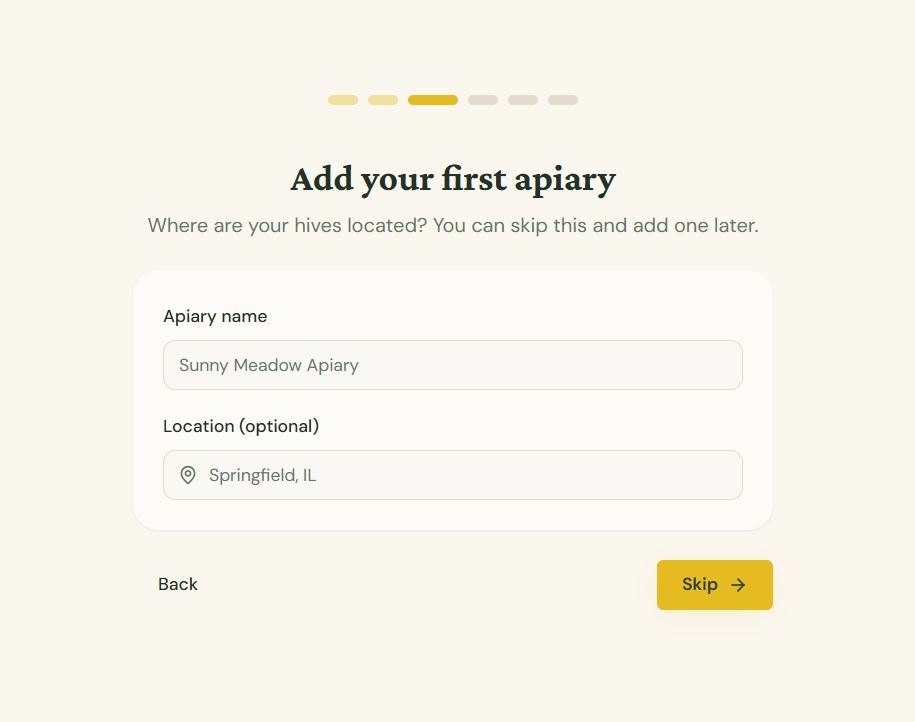
Optionally add your first apiary with a name and location. You can skip this and add one later.
Step 4: Two-Factor Authentication
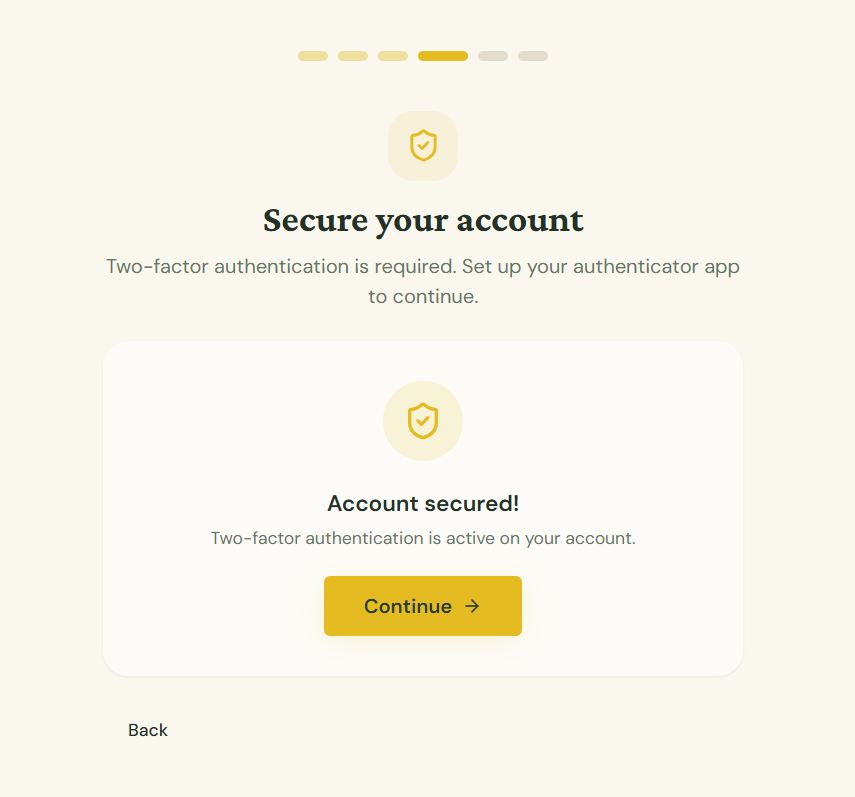
You'll be asked to set up 2FA to secure your account. This is a mandatory step — see the 2FA article for detailed instructions.
Step 5: Ready to Go
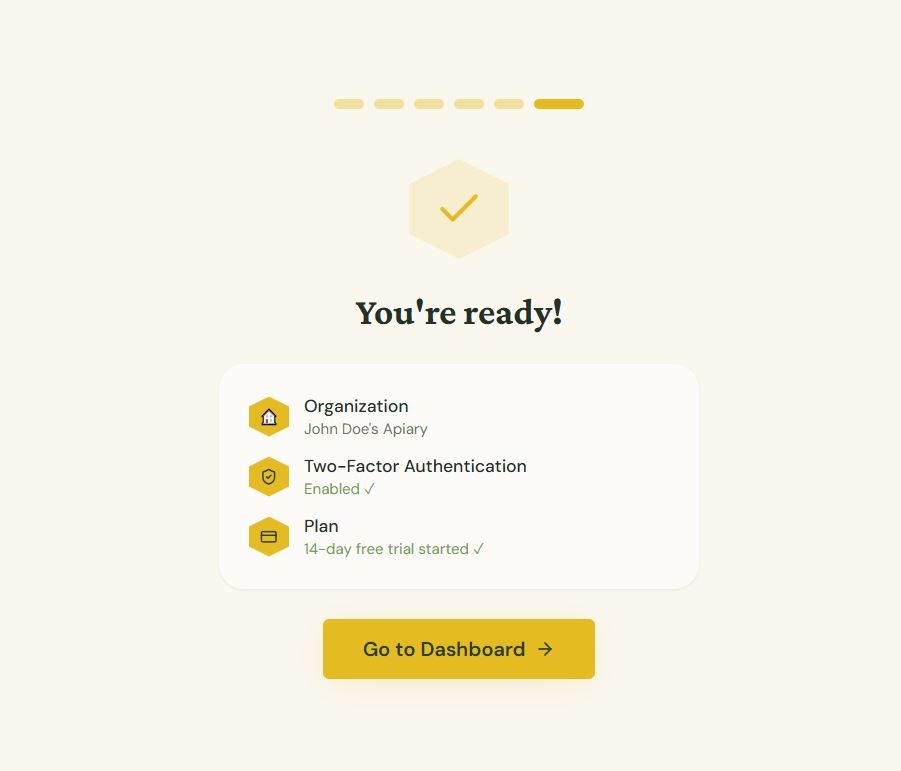
Once MFA is configured, you'll see a summary of your setup. Click Go to Dashboard to start using ApiaryPilot. A 7-day free trial is automatically started.
What's Included in the Trial?
During your trial you have access to all features:
| Feature | Available |
|---|---|
| Unlimited apiaries & hives | ✓ |
| Inspections & health tracking | ✓ |
| QR Label Studio | ✓ |
| Harvest tracking | ✓ |
| Reports & exports | ✓ |
| AI-powered features | ✓ |
| Team collaboration | ✓ |
After the Trial
When your trial ends, you'll be prompted to choose a plan (Starter, Team, or Commercial). Your data is preserved — nothing is deleted.
Tip: You can view your remaining trial days on the dashboard banner at any time.