AI Photo Analysis
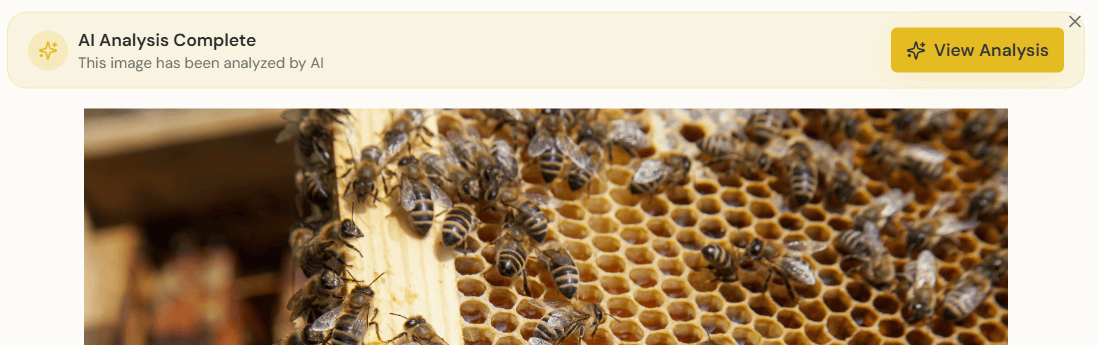
AI Photo Analysis lets you upload photos taken during an inspection and get an instant, AI-generated read on what's in the frame — brood pattern quality, presence of queen cells, signs of disease or pests, capped vs uncapped honey, and more.
How it works
- Open an inspection (or start a new one)
- Tap Add Photo and either upload from your device or take a new picture
- The image is processed by ApiaryPilot's vision AI and a short analysis is attached to the photo
- Suggested observations are pre-filled into the inspection form — you can accept, edit, or ignore each one
What the AI looks for
- Brood pattern — solid, spotty, or chalkboard
- Queen cells — supersedure cells, swarm cells along the bottom bar, emergency cells
- Pests & disease — Varroa mites, small hive beetles, chalkbrood, foulbrood indicators
- Stores — capped honey, uncapped nectar, pollen coverage
- Population & coverage — frame coverage and bee density
Privacy & storage
Photos are stored securely in your organization's storage bucket and are only visible to members of your team. AI analysis is performed server-side; images are never shared with third parties for training.
Plan availability
AI Photo Analysis is included with Team and Commercial plans, and during the 7-day free trial.
Tip: Take photos in natural light with the frame held vertically against a dark background — this gives the AI the cleanest read.